How to Save Insta Story Content for Your Brand’s Campaign Archive
By SendBridge Team · Published Sep 30, 2026 · 9 min read · Marketing

Instagram Stories are designed to be temporary. Unless an account owner adds a Story to a Highlight or retains it in their private Archive, it normally disappears from public view after 24 hours. For brands and social media teams, that short lifespan can make it difficult to maintain a complete record of campaign content.
A campaign archive can help teams preserve approved Story photos and videos for future reporting, creative reference, performance reviews, and internal documentation. Instead of relying only on content that remains visible on Instagram, brands can create an organized local collection of campaign assets they own or have permission to retain.
This guide explains how to save authorized Instagram Story content for a brand campaign archive, how to organize those files on phones and computers, and what to consider when preserving content created by partners, influencers, or other third parties.
Why Brands Should Archive Instagram Story Content
Instagram Stories are often used for product launches, event coverage, limited-time promotions, influencer collaborations, customer announcements, and behind-the-scenes campaign content. Because Stories disappear quickly, important campaign materials can become difficult to retrieve later if they are not preserved.
Maintaining an archive gives marketing teams a historical record of what was published. This can be useful when preparing campaign reports, reviewing previous creative approaches, documenting collaborations, or planning future social media activity.
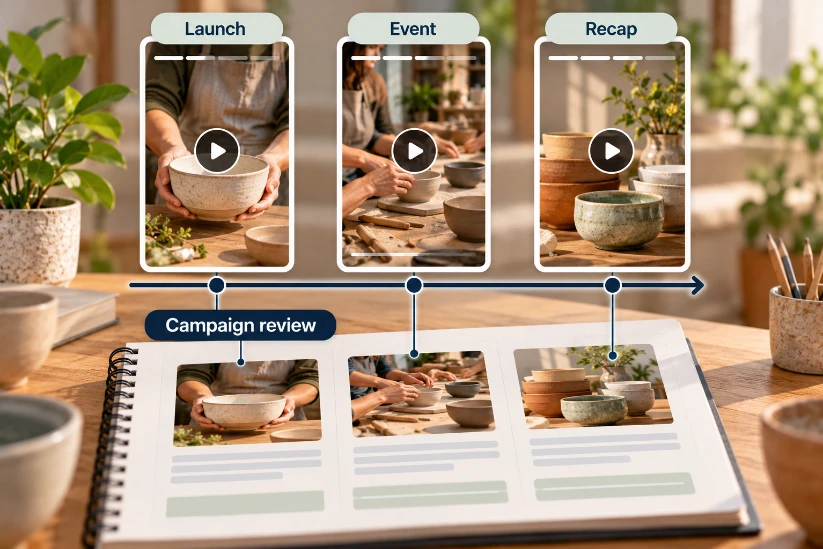
An archive should not be treated as a collection of every interesting Story found online. Instead, it should focus on content the brand owns or has permission to retain, such as its own Stories, approved campaign assets, and authorized content from partners or creators.
Step 1: Identify the Story Content That Belongs in the Archive
Start by deciding which Stories are relevant to the campaign. These may include product demonstrations, promotional graphics, event coverage, branded videos, campaign announcements, creator collaborations, or other assets directly connected to the project.
For your brand's own Instagram account, Instagram's Archive feature should be one of the first places to check. Eligible Stories can remain privately accessible there after their normal public window ends.
For authorized public content posted by campaign partners or creators, save only material that your team has permission to retain. Public visibility does not automatically provide permission to reuse or redistribute a Story.
Step 2: Copy the Available Instagram Story Link
If an authorized public Story needs to be preserved outside Instagram, use the available sharing or options controls to copy its link. The exact controls can vary depending on the device, Instagram version, account settings, and type of content.
When a direct URL is available, it can provide a convenient way to process supported Story media through a browser-based downloader.
Before downloading, confirm that the Story is connected to the campaign and that your brand is permitted to keep the content. This is particularly important for influencer campaigns and partnerships where ownership and usage rights may differ between assets.
Step 3: Use a Browser-Based Tool for Supported Public Content
For teams that do not want to install a separate downloader on every work device, the Grabfy Instagram Downloader can process supported public Instagram content through a browser. To save insta story files with this kind of web tool, supported content must come from a public account or public profiles, and no login is required. That setup helps users save Instagram posts or save Instagram stories from stories and highlights without extra software.
A browser-based workflow can be useful when campaign managers work across phones, tablets, laptops, and desktop computers. The basic process remains similar regardless of device: simply copy the available story link using the share icon, paste it into the input box, and click Download on the download button to download Instagram Stories or download stories in just a few clicks. These tools are often used to download Instagram Stories anonymously from public Instagram Stories, or to view Instagram stories anonymously before saving. Supported files may be saved in original quality up to 1080p, with no quality loss, no watermarks or logos, and background music when available. This can help users who want to save stories, download stories from Instagram, or use a quick way to download Instagram from a browser.
Screenshots and screen recordings can also preserve visual references, but they serve a different purpose. Screenshots capture only still images, while screen recordings may include interface elements, notifications, or playback controls. By contrast, downloading videos or photos directly as original content is often a cleaner way to download Instagram media, with less quality loss than manual capture. When an authorized original media file is available, retaining the file itself can make campaign archiving and organization easier.

Step 4: Save Story Photos and Videos to a Campaign Folder
After processing supported content, save the returned photo or video to a designated campaign folder rather than leaving it in a general Downloads directory.
On mobile devices, downloaded files may appear in the Downloads folder, Files app, photo library, browser downloads, or another location determined by device settings. Teams working primarily on phones should periodically move important campaign assets into a clearly organized folder or approved cloud storage system.
On a computer, files can usually be saved directly into the appropriate project directory. This can reduce the need to transfer assets from a phone later.
Step 5: Create a Consistent Folder Structure
A useful campaign archive should make individual assets easy to find months after the campaign ends.
One approach is to create a main folder for the campaign and organize its contents by platform, content type, date, creator, or campaign phase. For example, separate folders could contain Instagram Stories, Reels, feed posts, approved creator assets, and final campaign materials.
The best structure depends on how the marketing team works. What matters most is consistency. If everyone follows the same naming and storage conventions, future searches become much easier.
Step 6: Use Clear File Names and Campaign Information
Automatically downloaded files may have generic names that provide little context. Renaming important Story photos and videos can make the archive more useful.
A filename might include the campaign name, publication date, creator or account, content type, and version. Teams can also maintain a simple campaign document or spreadsheet containing information such as publication dates, captions, creator approvals, usage rights, and relevant notes.
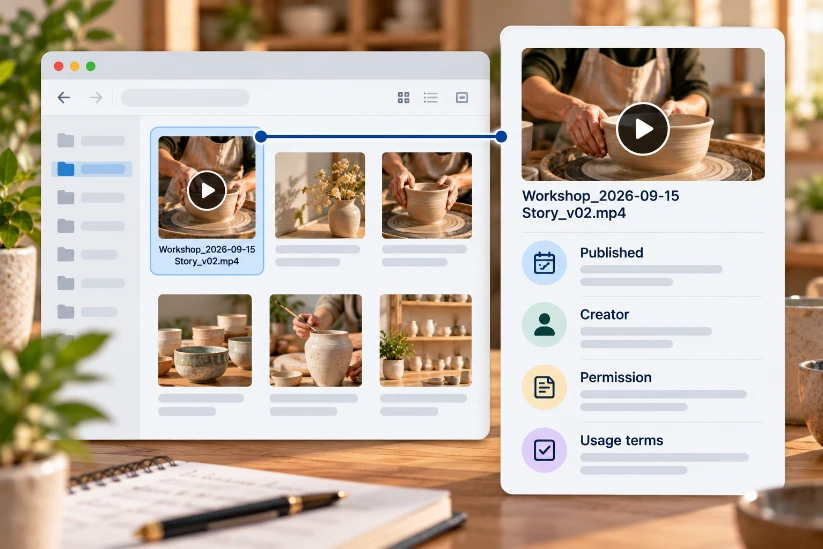
This additional context helps distinguish an organized campaign archive from a folder containing disconnected media files.
Step 7: Archive Content From a Computer When Appropriate
Desktop archiving can be particularly convenient when a marketing team handles many campaign assets. Open the supported public Instagram content, copy the available URL, then open Grabfy in another browser tab and process the link.
When a supported photo or video is returned, save it directly to the appropriate campaign folder. This can be more efficient than downloading media to a phone and transferring each file to a computer afterward.
For teams using shared storage, make sure downloaded assets are moved to the approved campaign location rather than remaining only on one employee's device.
Step 8: Preserve Instagram Stories and Highlights When They Are Part of a Campaign
Highlights can extend the visibility of Story content beyond the standard 24-hour period. Brands sometimes use them to group product information, event coverage, FAQs, testimonials, or campaign updates.
When an authorized public Highlight or individual Story within it is supported, the same general archiving principle applies: identify the relevant campaign content, obtain the available Instagram URL, save the permitted media, and place it in the appropriate archive.
A Highlight can contain several Story items, so each photo or video may need to be organized individually rather than treating the entire Highlight as one asset.
Step 9: Keep the Archive Focused and Useful
Campaign archives become less useful when they contain unnecessary duplicates, unrelated downloads, or files with no identifiable purpose.
Periodically review the archive and remove accidental duplicates while preserving final approved versions. Video files can consume substantial storage, so maintaining unnecessary copies across several devices can create avoidable clutter.
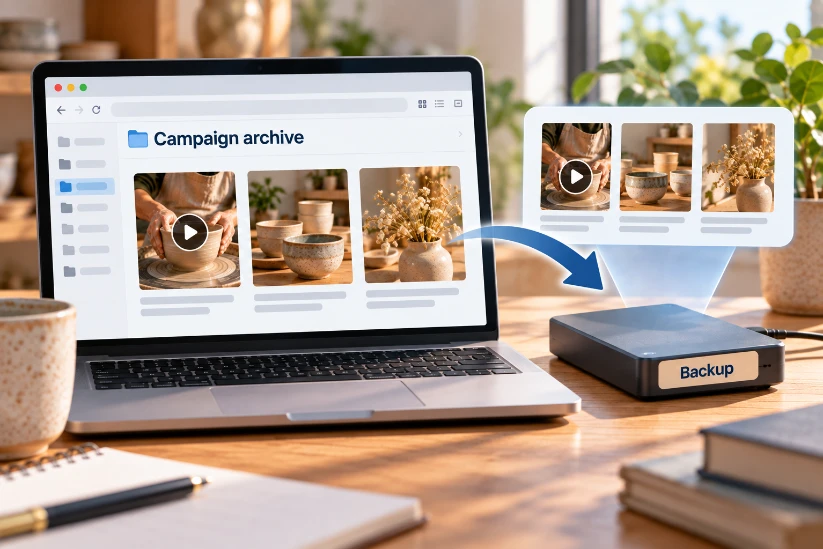
Important campaign materials should also have an appropriate backup. Depending on the organization's workflow, this might involve approved cloud storage, a shared project drive, or another internal backup system.
Privacy, Copyright, and Creator Permissions
Archiving a publicly accessible Instagram Story does not change its ownership. A brand may have permission to retain a creator's campaign Story without automatically having unlimited rights to republish, edit, advertise with, or commercially reuse that content.
For influencer and creator campaigns, teams should follow the agreed usage rights and campaign terms. If permission covers only a particular platform, period, or campaign, storing the asset internally does not expand those rights.
Brands should also avoid providing Instagram passwords to unrelated third-party download tools merely to retrieve public content. Private accounts, Close Friends Stories, and other restricted material should not be accessed by attempting to bypass Instagram's privacy controls.
Building a Useful Instagram Campaign Archive
Saving Instagram Story content is only one part of maintaining a useful campaign archive. The larger goal is to preserve authorized campaign materials in a structured way so they can be located and understood later.
Start with Instagram's built-in Archive for your own eligible Stories, and remember you can also save active Stories directly from the Instagram app to your phone's camera roll with the three-dot menu-no need to log in again, enter a username, or search for available stories. You can also enable automatic saving in Instagram settings for future Stories. If you use mobile, this works on Android, iPhone, and iOS devices, including the Safari browser, and keeping that access free is one of the standout features for brands managing favorite content or preserving original content with a single click. It is completely free to use for your own active Story saves. Then preserve other authorized campaign assets when necessary. Use clear folders, descriptive filenames, relevant campaign information, and reliable backups.
A well-maintained archive gives brands a clearer historical record of their Instagram campaigns while keeping content ownership, creator permissions, and privacy considerations at the center of the process.