How to Create Multiple TikTok Shop Video Variations for Product Testing with an AI TikTok Shop Video Maker
By SendBridge Team · Published Oct 12, 2026 · 4 min read · Marketing
A good TikTok Shop product can perform very differently depending on how it is presented. One video may get more clicks with a strong hook, while another works better because it shows the product in use.
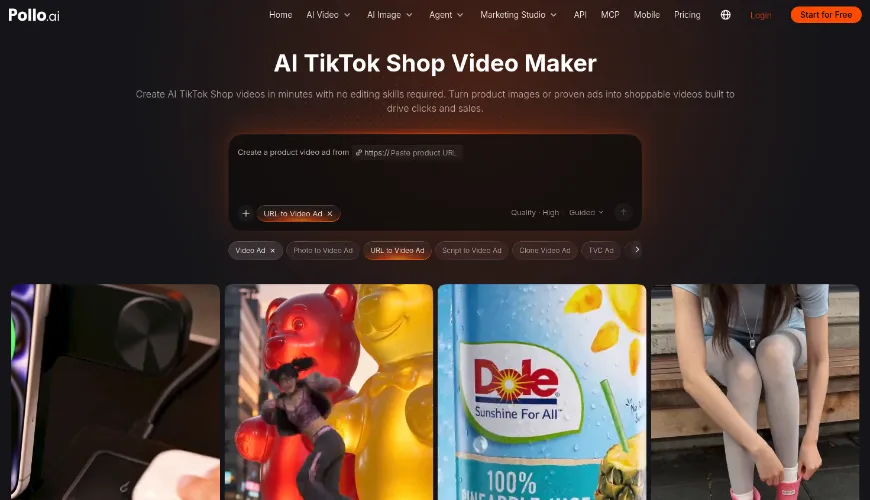
Instead of making every version from scratch, sellers can use an AI TikTok Shop video maker to create variations from the same product assets. Pollo AI's TikTok Shop Video Maker supports reference ads, up to eight product images, selected product highlights, and 9:16 vertical videos.
Why Use Pollo AI for TikTok Shop Product Testing?
Testing several video ideas manually means writing different scripts, finding footage, and editing each version. This quickly becomes a lot of work.
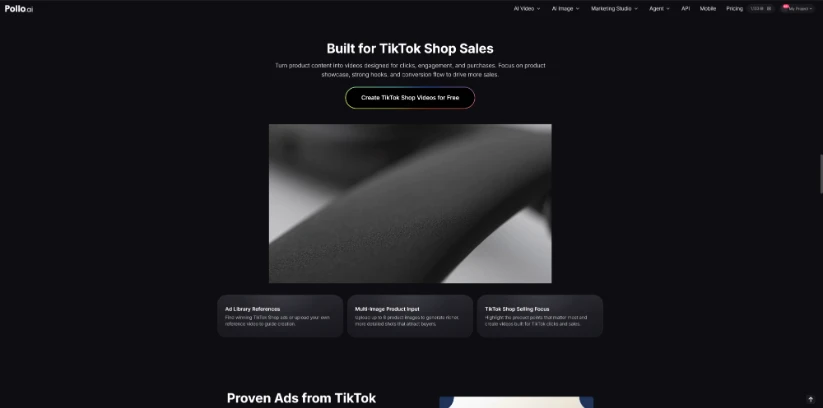
With AI TikTok Shop video maker from Pollo AI, sellers can choose a reference ad or upload their own video, add up to eight product images, and select the product points they want to highlight. This makes it easier to test different ways of presenting the same product without rebuilding every video.
For example, a seller can test whether a product's main benefit, a specific use case, or a different visual angle gets a better response.

How to Create Multiple TikTok Shop Video Variations with Pollo AI
1. Choose One Thing to Test
Decide what should change between versions.
A portable blender, for example, could be presented around quick breakfasts, space-saving design, or travel. The product stays the same while the main selling angle changes.
2. Add a Reference Video and Product Images
Open Pollo AI's TikTok Shop Video Maker and choose a reference ad or upload a reference video. Then add the product images.
Use images that show the actual product clearly. Different packaging, colors, or product versions can lead to inaccurate results.
The reference should guide the video's style or structure rather than be copied directly. If a seller wants to make further manual adjustments after generating the video, tools such as CapCut AI video editor can also be useful for refining the final edit.
3. Set the Selling Point
Choose the main product highlight for each version. Pollo AI lets sellers select the points they want to emphasize.
For a skincare product, one version might focus on hydration while another focuses on lightweight texture. Keeping one main selling point per video makes the comparison easier.
4. Keep the Format Similar
Keep the basic format consistent when comparing different creative ideas. Pollo AI supports 9:16 vertical videos and short formats such as 16 seconds.
Generate the first version, change the selling point or creative direction, and create the next one.
Before posting, check every video for incorrect product details, unrealistic usage, or claims that do not match the product listing.
5. Compare the Results
After publishing, compare watch time, product clicks, add-to-cart activity, and purchases.
Views alone are not enough. A video with fewer views but more product clicks may have a stronger sales angle.
If one approach performs better, use it for the next round. For example, a seller could test several travel-focused hooks if the travel version of the blender performs well.
Turn the Better-Performing Idea into More Videos
Testing only works when the results are easy to interpret. Changing the hook, format, visuals, and product angle at the same time makes that difficult. It is better to change one main element at a time.
Performance can also be affected by price, promotions, traffic, and audience, so a single result should not be treated as a final answer.
Once a stronger idea emerges, Pollo AI can be used to create more versions around it. If problem-focused openings get more product clicks, for example, the seller can test several new openings while keeping the rest of the video similar.
Test, Compare, Repeat: Smarter Product Videos
The goal is not to make more videos for the sake of it. It is to find out which way of presenting a product works best.
With Pollo AI's TikTok Shop Video Maker, sellers can reuse product assets and test different selling points, references, and creative directions. For sellers who need several variations without manually editing each one, an AI TikTok Shop video maker can make product testing much easier.