Tips to Troubleshoot Common Print Head Problems
By SendBridge Team · Published Sep 25, 2026 · 4 min read · General
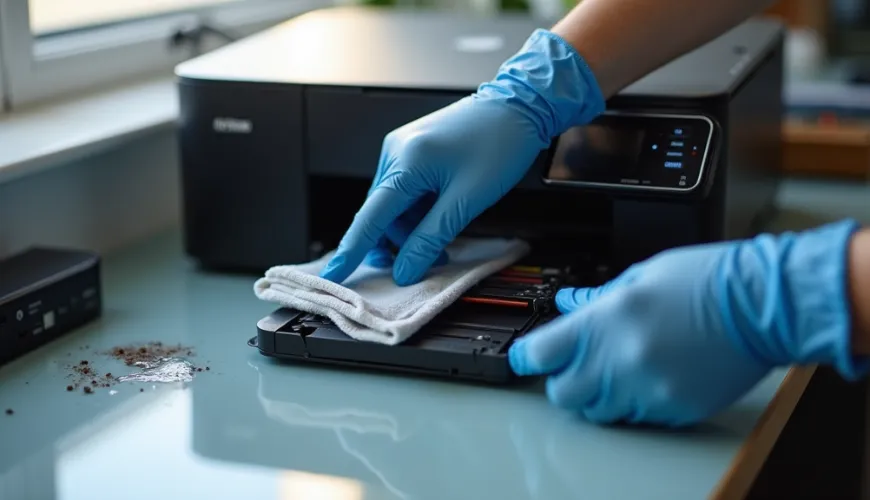
Print head problems have a way of showing up right when you need your printer most. Sometimes you may experience reduced print quality, or the machine may stop working altogether. Recognizing common print head problems and knowing how to deal with them saves time and frustration and ensures smoother operations.
Let's discuss some practical tips to tackle printhead problems and ensure smooth operation and maximum efficiency.
Practical Tips to Troubleshoot Your Print Head Problems
Ditch the frustration and irritation of workflow interruptions caused by print head issues with these practical tips for troubleshooting.
Identify Print Head Issues
A little attention to the early signs of the issues can prevent big problems later. It could be blurry lines, fading, or streaks, which usually indicate problems with your print heads.
At times, colors are missing, or images are incomplete. Not addressing these problems immediately can lead to bigger issues later.
When you buy a print head online, check the guarantee and warranty to ensure you can reach out to the company for troubleshooting when needed.
Check Ink or Toner levels.
Low ink or toner levels often cause print head problems. When levels drop, you may experience inconsistencies, streaks, or blank pages. Before you think something is broken, start simply by checking the ink or toner indicators. Simply replacing or refilling empty cartridges returns them to the best condition and helps prevent unnecessary wear on the print head.
Clean the Print Head
When print quality starts to look off, it's often because the print head is clogged with dirt or dried ink. Many printers come with a built-in cleaning mechanism that you can manage from the control panel. For minor blockages, a cleaning cycle generally resolves the issue. For more intensive cleaning, disconnect the print head according to the manufacturer's instructions and wipe it down with a lint-free cloth and distilled water.
Align the Print Head
Texts or images seem misaligned? Check the alignment of your print head. Most printers have an alignment option in their software menus that guarantees components are positioned as intended. Perfectly aligned print heads will ensure sharp, accurate, and trouble-free prints from that point forward.
Check for Software or Driver Problems
Dealing with printer issues in the middle of work can be infuriating. If you are ever stuck, the manufacturer's website is a good place to start and download the recommended updates. Regularly updating software reduces errors and maintains smooth operation. Sometimes, software glitches or outdated drivers cause print head malfunctions. Ensure the printing application and driver are up to date and compatible.
Avoid Prolonged Inactivity
If an inkjet printer sits idle for long periods, the ink can dry out in the print head. Frequent use ensures the ink flows and does not become clogged. If a machine needs to sit unused, test prints every so often can help keep it functional. Such habits are only sustainable over the long term.
Handle the Print Head Gently
Handling the print head too harshly could cause physical damage. Please ensure that you follow the device manual when removing or mounting any parts. When cleaning or maintaining the equipment, do not use sharp objects or excessive force. Caring for devices gently minimizes the risk of permanent damage and ensures their regular functionality.
Use Quality Supplies
Cheap ink or toner is often the culprit for buildup and frequent clogs. Always use supplies that conform to manufacturer recommendations. Good-quality products enhance print quality while reducing cleanup. Using trustworthy brands also sustains the device functionality and revenue capacity.
Seek Professional Assistance
When issues persist over time, seeking professional assistance becomes necessary. If repeated cleaning or alignment still does not resolve the issue, professionals have solutions. However, attempting complex repairs without having the proper knowledge may make things worse. Trusting experts ensures complete diagnostics and safety-compliant repairs.

Preventing Future Problems
Most common problems can be avoided with routine maintenance. Please inspect the print head periodically and replace old parts as needed. Keep the device stored in a neat, dust-free place. Applying preventive protection extends the lifespan of printing machinery and minimizes downtimes.
Keep Your Print Head Running Strong
Print head problems can be challenging, but with some careful procedures, they are manageable for anyone. It will stay effective with inspections, periodic cleanings, and the use of quality materials. By identifying early red flags when things start to go awry and knowing when to seek help from an expert, printers ensure they will always come out on the other side with precise, professional results. When this procedure is done carefully, there are fewer disruptions, more productivity, and more fulfillment.