8 AI Productivity Tools That Are Actually Worth Your Time in 2026
By SendBridge Team · Published Sep 30, 2026 · 11 min read · General

The AI tools landscape has gotten noisy. Every week a new app promises to "10x your productivity" or "replace half your team." Most of them overpromise and underdeliver. But buried in the hype are genuinely useful tools that quietly save you hours each week.
This list focuses on tools that fit real workflows: email, research, content creation, internal search, and scheduling. All of them serve business owners, marketers, solopreneurs, and productivity-focused professionals who want substance over hype. Beyond individual apps, leaders should explore various business management software categories to ensure their entire infrastructure aligns with long-term goals and company growth.
Here are the top seven worth your attention right now.
1. Glean: The AI Search Engine for Your Entire Workplace
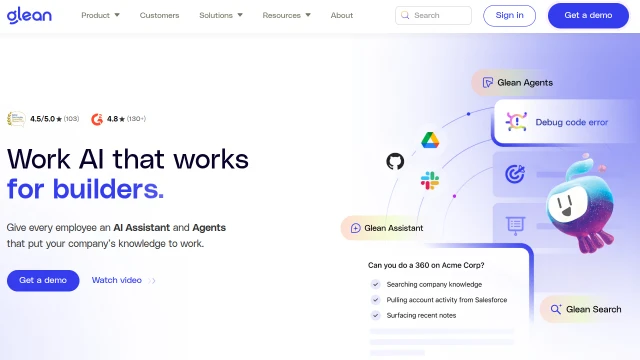
If you have ever wasted 20 minutes hunting for a file across Slack, Google Drive, Notion, and your inbox at the same time, Glean was built for exactly that problem.
Glean is an enterprise AI search and knowledge discovery platform. It connects to virtually every tool your company uses, including email, Slack, Confluence, Jira, Salesforce, Google Workspace, and Microsoft 365, then creates a unified searchable layer across all of them. You type a question in plain English and Glean surfaces not just files but context: who worked on something, when it was last updated, and what related discussions exist.
What sets Glean apart from simple search tools is the AI assistant layer. Rather than returning a list of links, it synthesizes answers from across your connected apps. Ask "What did we decide about the Q3 campaign budget?" and Glean will pull together the relevant Slack thread, the shared spreadsheet, and the email chain, then summarize the answer.
For teams drowning in information spread across too many platforms, this is genuinely transformative. It is especially powerful for onboarding new employees and for managers who need to get up to speed on projects they were not directly involved in.
2. Async: AI Video Editing Built for Modern Content Teams
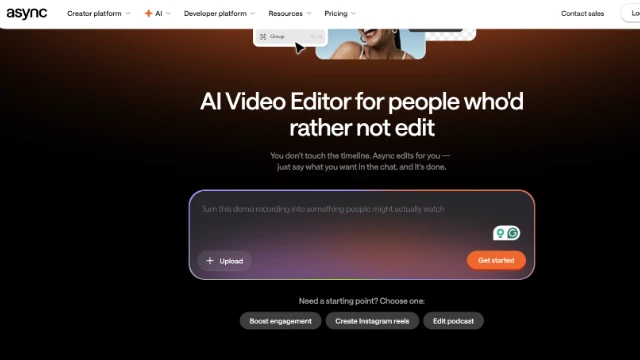
Async approaches video editing the same way modern marketing teams approach content creation: fast, collaborative, and optimized for publishing everywhere. With Async's video editor, creators can move away from complex timelines and manual editing workflows by using AI-powered editing tools and automation features that help turn raw footage into publish-ready content much faster. Similarly, professional photographers are now looking for faster ways to manage their image libraries, often debating the merits of narrative AI vs imagen AI for their specific needs.
One of Async's standout additions is its chat-based editing workflow, which allows users to make edits using simple prompts directly inside the editor. Rather than manually handling repetitive tasks like trimming clips, resizing videos, generating subtitles, or cleaning up audio, teams can streamline much of the editing process through AI-assisted workflows.
Async is also built with content repurposing in mind. Teams can quickly adapt videos for TikTok, Instagram Reels, YouTube Shorts, LinkedIn, and other platforms without rebuilding projects from scratch each time. Combined with AI subtitles, audio enhancement, and automatic formatting tools, Async is a strong choice for creators and marketing teams producing high volumes of social-first video content while trying to maintain consistency across campaigns.
3. Magic Hour AI: AI Video Creation for Creators and Marketers
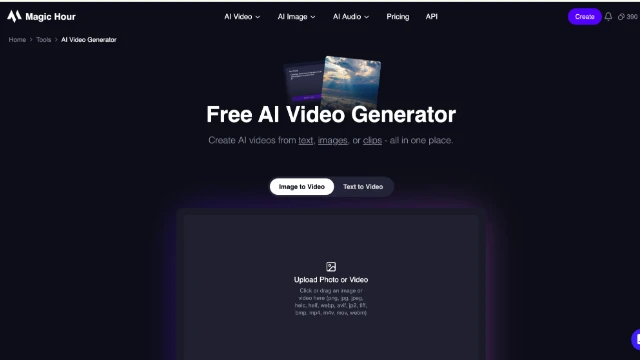
Magic Hour is an AI-powered video creation platform designed to help creators and marketers turn ideas, prompts, and images into engaging video content. Its video generator makes it possible to create AI-powered videos without traditional filming or complex editing workflows.
One of Magic Hour's strengths is its range of AI video creation tools. Users can generate videos from text prompts or animate existing images, making it easier to experiment with different creative concepts. The platform also includes tools such as face swapping, lip syncing, and character replacement for more advanced video effects.
Magic Hour is particularly useful for social media creators, marketers, and businesses that need to produce video content quickly. Instead of building every video from scratch, users can generate initial concepts with AI and then use the platform's other tools to develop and customize their content.

4. Invideo: All in One AI Video Creation and Editing
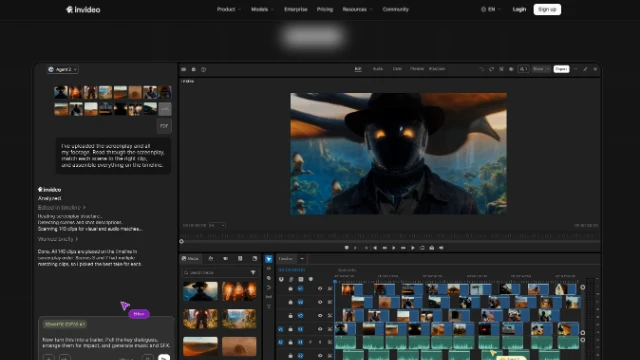
Invideo is an AI video creation platform that offers agentic video creation, timeline editor with both manual and agentic control, and access to top AI generation models.
Invideo Editor is a browser-based, timeline video editor built for creators who want both AI assistance and traditional editing control. It includes familiar workflows such as cutting clips, arranging timelines, managing audio, adjusting colour, and refining edits manually. At the same time, creators can use AI agents to make targeted changes directly within the project while keeping the edit visible and adjustable.
Invideo Agent lets you describe what you want to create in plain language, then helps manage the creative workflow from understanding references and project context to generating shots and building sequences. It gives creators access to close to 200 image, video, audio, and music models, including models such as Seedance, Kling, and Nano Banana, so you can focus on directing the outcome rather than learning the workflow of every individual model.
The combination creates a workflow that covers both creation and refinement. Creators can move from an idea, script, or shot plan to generated content, then refine the final piece in the same project with AI assistance and hands-on timeline control. They can also edit existing content and produce polished outputs. This makes invideo useful for teams creating brand films, ad campaigns, product videos, microdramas, and other formats where consistency across multiple assets matters. It is built for agencies, brands, entertainment teams, and organizations scaling video production without a full traditional production setup.
5. Superhuman: Email That Moves at the Speed of Thought
Email is still the backbone of business communication. Despite every prediction of its demise, it is not going anywhere, which means the return on getting faster at email is enormous.
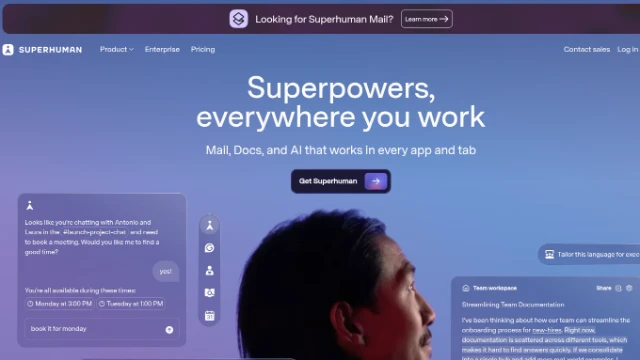
Superhuman is an AI-powered email client designed to help you reach inbox zero every single day. Its AI features triage your inbox automatically, summarize long threads so you never have to read every reply, and draft responses based on your writing style. The keyboard-first interface is built for speed, and the split-second loading makes switching between threads feel effortless.
The AI Triage feature is the standout functionality. It reads your email history, learns who and what matters to you, and automatically sorts incoming mail into priority levels. The AI writing assistance adapts to your tone, not generic AI-sounding prose, but something that actually sounds like you wrote it.
If you send and receive more than 50 emails a day, the math on Superhuman's pricing tends to work in your favor quickly.
6. Notion AI: Your Knowledge Base, Now With a Brain
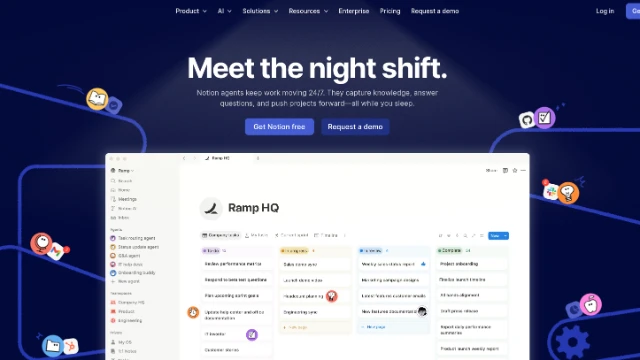
Notion has been a beloved productivity and knowledge management tool for years. Notion AI takes the platform further by embedding an AI assistant directly into your workspace.
The use cases are broad: summarize a long meeting note into three bullet points, turn a rough brain dump into a structured project brief, translate a document, generate a first draft of a proposal from a few keywords, or ask questions about content stored anywhere in your Notion workspace.
What makes Notion AI particularly useful is the context-awareness. Unlike a standalone AI chatbot, it has access to your actual documents and databases. You can highlight a paragraph and ask it to rewrite it in a more formal tone, or query your company wiki and get synthesized answers without leaving your workspace.
For solo operators and small teams who already live in Notion, the upgrade cost is modest for a meaningful boost in how fast you can process and produce written work.
7. Otter.ai: Never Take Meeting Notes Again
Every meeting generates decisions, action items, and context, and most of it evaporates within hours unless someone took good notes. Otter.ai solves this with AI-powered transcription and meeting intelligence.
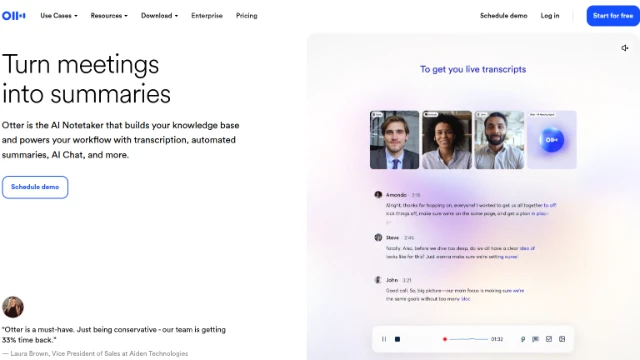
Otter joins your Zoom, Google Meet, or Microsoft Teams calls automatically, transcribes everything in real time, and produces a summary with highlighted action items. It identifies different speakers, timestamps key moments, and lets you search through your entire meeting history.
The real value compounds over time. As Otter accumulates your meetings, it becomes a searchable record of every decision and commitment your team has made. For sales teams, this is invaluable for reviewing client calls. For project managers, it provides a clear audit trail of what was agreed upon without relying on memory.
The free tier is functional, but the paid plan, which integrates with your calendar and auto-joins meetings, is where Otter becomes a true productivity asset.
8. Carousel Maker: AI-Powered Visual Content for Social Media
Lately, CarouselMaker is a specialized AI tool built for one of the most time-consuming content formats: the social media carousel. If you use LinkedIn, Instagram, or any platform where multi-slide posts perform well, you know how tedious it is to design, write, and format each slide consistently.
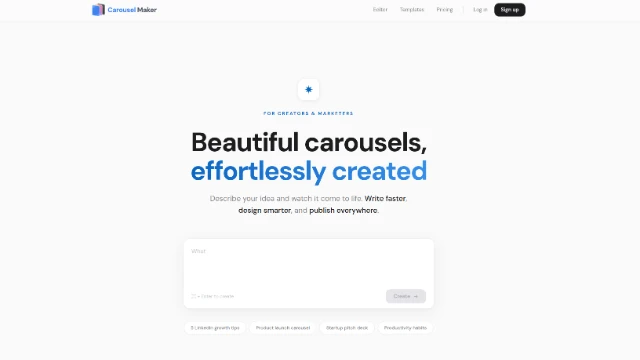
CarouselMaker streamlines the entire process. You input your topic or key message, and the AI generates slide content including headlines, body copy, and calls to action, already formatted for the carousel structure. The design templates are clean and professional, and the tool handles the visual layout so you are not fighting with a design app over spacing.
For content marketers, coaches, consultants, and anyone building a personal brand through educational content, this is a real time-saver. Creating a 10-slide LinkedIn carousel manually can take 45 minutes to an hour. CarouselMaker cuts that to under 10 minutes without sacrificing quality.
It is also useful for repurposing existing content. Feed it a blog post or article and it extracts the key points into carousel-ready format.
How to Evaluate Any AI Tool Before Committing
With so many tools competing for your attention and budget, a simple evaluation framework helps before you commit to any new software:
- Does it save time on tasks you actually do every day, or only on edge cases?
- Does it integrate with the tools you already use, or does it create a new isolated silo?
- Is the AI output good enough to use with minor editing, or does it require so much correction that it is faster to do it manually?
- Does the pricing make sense relative to the time saved? A tool that saves three hours a week is worth a meaningful monthly investment.
- Is there a free tier or trial that lets you validate the value before paying?
Most of the tools on this list meet all five criteria. Start with the one that addresses your biggest bottleneck, whether that is successfully sending out emails, content, meetings, search, or scheduling, and use it consistently for two weeks before making a final judgment. AI tools reward consistent use and get better as they learn your patterns and preferences.
Maximizing Impact with AI Tools
The AI productivity tools that actually move the needle are not the ones with the most impressive demos. They are the ones that fit seamlessly into how you already work and handle the tedious, repetitive, or cognitively expensive tasks that eat your best hours.
Whether you need to search smarter across your company's knowledge base with Glean, produce carousel content faster with CarouselMaker, write better emails without burning out in Superhuman, or protect your deep work time with Reclaim.ai, the tools exist and the return on investment is there. The only question is which problem you solve first.
Start with one. Master it. Then add the next.
If you want to go deeper on the research behind AI's impact on knowledge work, MIT Sloan Management Review's AI coverage is one of the most rigorous and accessible resources available.