Top 7 Digital Tools for Business Growth and Productivity in 2026
By SendBridge Team · Published Sep 17, 2026 · 11 min read · Technology

If you don't mind operational flaws, errors, or a lack of efficiency, you can let your enterprise workflows continue to work in silos. Or you can use the right business management tool and embrace growth.
The first approach often means an undefined process. It can involve multiple spreadsheets, paper-based information, and a lack of smart resource distribution. As teams grow, business management software can help connect goals, performance metrics, and ownership across the organization - instead of relying on scattered spreadsheets. This frequently leads to chaos in the workflow. And the worst part is that 20.4% of businesses fail within their first year, primarily due to these operational issues.
In this article, we'll tell you about 6 tools for businesses to start with for growth and high ROIs.
The Role of Operations Tools in Business Efficiency
Small business owners have plenty on their plates. They often have to juggle a wealth of responsibilities. Add to this daily operational tasks, and you'll likely face burnout.
That's exactly when business management tools come in handy.
What Are Digital Tools for Business?
A digital tool is any technical solution (software, app, etc.) designed for smooth operations. They can cover every business function.
How do these solutions help? Firstly, they save time. With their help, businesses can minimize manual tasks and increase efficiency. Beyond this, the right operations tools also help build brand authority. They create service quality consistency. Hence, you look more reliable.
What Is the Link Between Business Tools and Client Retention?
Business tools ensure client retention in several ways:
-
Instant responses. Some business tools, such as chatbots, help your team address customer concerns faster.
-
Timely communication. With tech solutions, you can automate your client interactions and send timely notifications when needed.
-
Personalization at scale. Operational tools help understand customer preferences and personalize interactions.
-
Greater consistency. Instead of letting multiple channels work chaotically, you can deliver uniform messaging across them all and build a consistent brand voice.
Simply put, different tools let you handle the trickiest parts of your business easily and improve the overall quality of service. This directly impacts conversions and client retention.
How Business Operations Tool Stack Evolved: From Manual Labor to AI
For many years, businesses operated on human labor. This approach was error-prone, though it worked. Then, it was changed by the Industrial Revolution. It offered mechanization and automation for greater effectiveness. And now, companies rely more on human intelligence augmented by technology.
Here's how business operations evolved:
-
Pre-1980s: Businesses relied on paper-based operations and manual labor.
-
Early 2000's: Automation and new systems helped create more uniform processes.
-
2000-2010: Businesses went through rapid digitization with a focus on centralized reporting features.
-
2010's: Cloud infrastructures and modern data stack helped streamline operations.
-
2025 and beyond: Businesses established smart operations driven by AI and human logic.
As technology evolved, businesses had to implement newer business management tools to optimize operations. And it still matters today, especially if you target growth.

7 Digital Tools for Operational Efficiency
When your daily workflows support simple access, sharing, and collaboration, the overall business productivity improves. Think of the situations when your team had to go through multiple files and applications to perform a simple action. This is always confusing and takes plenty of time.
But what if all your assets and data lived in one place? This can save time, eliminate errors, and support operational efficiency. And this is what tools for businesses can do for you.
To help you get on the right track, we've gathered 6 solutions that can help you reach the level of functionality you need to grow.
1. Google Workspace: Centralized Workspace That Creates Productivity
Overview
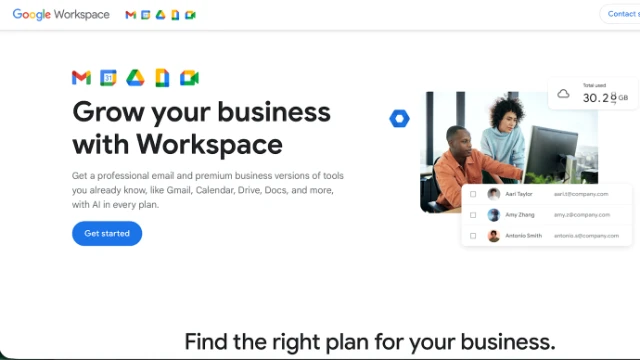
Google Workspace is a cloud-based suite designed for productivity. It creates a single workspace where you have a complete set of Google products. The suite includes tools for document creation, management, and sharing, such as Google Drive. It also includes tools for communication, an AI assistant, and more.
Why Is It Needed?
Collaboration is the key to team productivity. This tool creates a shared workspace. Inside it, teams can create and co-edit documents, communicate in real time, schedule meetings, and do much more.
Practical Use Case
With Google Drive, your team can create docs, sheets, slides, and other documents, comment on them, and edit simultaneously. This eases document assembly and finalization.
2. PDFAid: Simple PDF Document Management
Overview
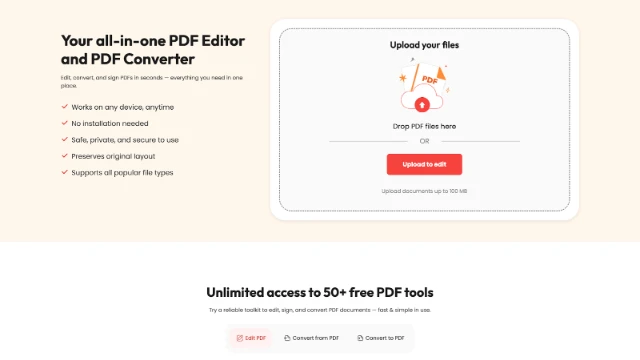
PDFAid is a comprehensive solution for managing PDFs with over 50 functions. The PDF converter lets you convert files to and from PDF into hundreds of formats, while the editor allows you to merge, split, compress, edit, and sign documents without losing formatting. It also includes OCR for turning scanned files into editable text.
Why Is It Needed?
Businesses of all sizes handle contracts, invoices, reports, and other documents daily. PDFAid simplifies the entire document lifecycle without relying on multiple tools or complex software. Unlimited cloud storage makes it easy to manage documents from anywhere.
Practical Use Case
For example, a sales team can receive a scanned contract, use OCR to make it editable, update the terms, add an e-signature, and send it back to the client within minutes. All in one place without switching between tools.
3. ClickUp: Seamless Project Management
Overview
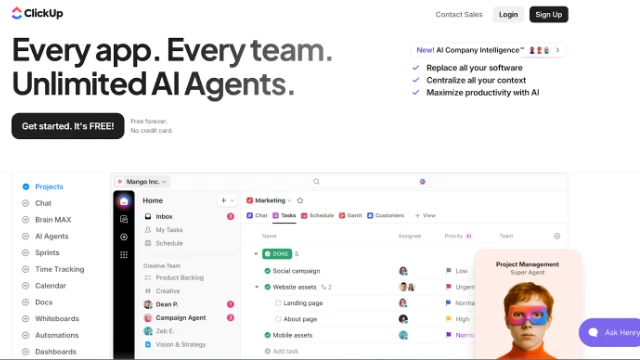
ClickUp is a handy business management tool for centralized workflow management. It lets you create custom spaces for different departments and allocate tasks across all team members, while also assigning deadlines and priority levels. The tool enables seamless scheduling and management of daily tasks.
Why Is It Needed?
ClickUp is a shared workspace that helps organize the workflow and distribute your internal resources wisely. It helps make workflows more manageable and ensures that all tasks are handled by the right people and on time.
Practical Use Case
A dedicated marketing space in ClickUp helps break down a campaign into relevant parts, such as design, content, and publishing, and assign time-bound tasks to respective team members. This helps prevent miscommunication and missed steps.
4. Calendly: Scheduling Automation for Smarter Time Management
Overview
Calendly is one of the most sophisticated scheduling tools for business. It's time-tested and trusted by more than 20 million users. With its help, companies of all sizes can put meeting scheduling on autopilot and manage their time more smartly.
Why Is It Needed?
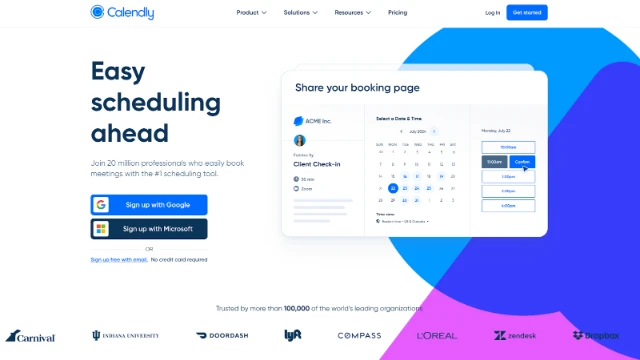
Calendly lets you create a dedicated booking page where clients and partners can book meeting times based on real-time availability. The tool also automates email confirmations and reminders to remove meeting-associated friction.
Practical Use Case
Fill out your schedule to demonstrate availability and create custom events that people can book, such as promos, client check-ins, and meetings. Then share your booking link to let clients and partners schedule events at times that suit them.
5. Better Proposals: Streamlined Sales Documents and Faster Closures
Overview
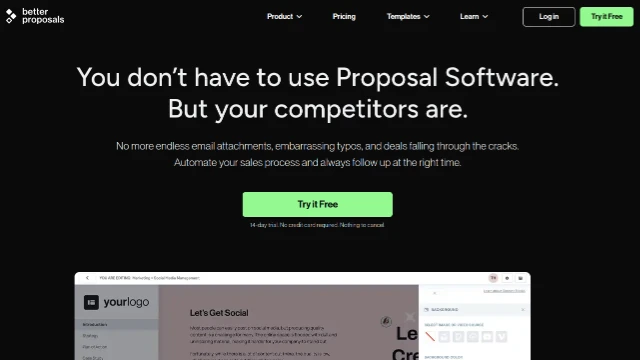
Better Proposals is a modern proposal and document automation tool designed to help businesses create high-converting, visually appealing proposals in minutes. It offers customizable templates, built-in e-signatures, and real-time tracking so you can see when prospects view and interact with your documents.
Why Is It Needed?
Creating proposals manually can be time-consuming and inconsistent, especially for growing teams. Better Proposals simplifies this process by standardizing your documents, improving presentation quality, and giving you insights into client behavior with document tracking software that shows when proposals are viewed and engaged with. This helps businesses close deals faster while maintaining a professional image.
Practical Use Case
For example, a digital agency can quickly build a branded proposal using a pre-designed template, include pricing tables and service details, and send it to a client for review. The team can track when the client opens the proposal, see which sections they spend time on, and receive an instant notification once it's signed-eliminating back-and-forth emails and speeding up the sales cycle.
5. QuickBooks Online: Accounting Solution That Eliminates Errors
Overview
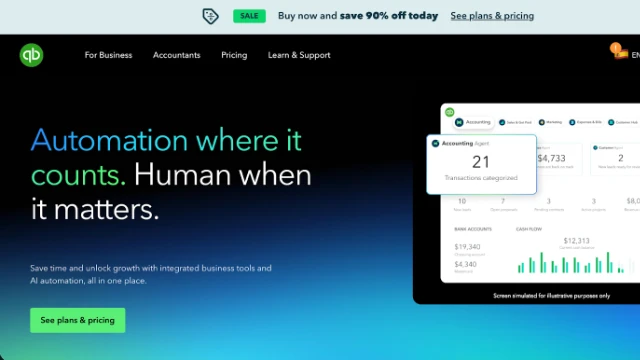
QuickBooks Online is a specialized accounting software that consolidates all financial tools in one place. It helps you automate tracking of your income and expenses, while eliminating the likelihood of human errors. It also seamlessly integrates with different platforms, such as eBay, Etsy, Shopify, and others.
Why Is It Needed?
QuickBooks Online makes accounting simple. It automates a variety of tasks, including time tracking, invoicing, tax management, budgeting, and others from a single dashboard. It helps organize financial information and saves time by eliminating manual data entry.
Practical Use Case
With this tool, you can create, customize, and track your invoices in real time. This eliminates the need to manually create invoices every month.
6. Loom: Video Messaging for Limitless Communication
Overview
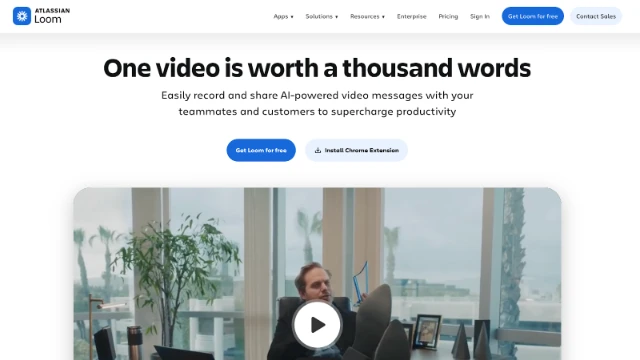
Loom is a user-friendly video recording tool for seamless communication. It lets you create camera and screen recordings in a few clicks to simplify idea exchange and communication within your team. It also works great for engaging customers. In addition to recorded video communication, screen sharing capabilities help teams collaborate in real time during meetings, training sessions, and project discussions. This makes it easier to demonstrate workflows, troubleshoot issues, and align on tasks without lengthy explanations.
Why Is It Needed?
Loom simplifies video recording and editing. It works for any situation where you need to integrate videos into your communication. For example, when recording step-by-step instructions, explaining ideas, or engaging prospects.
Practical Use Case
Make Loom a part of your client onboarding process by recording detailed and personalized project walkthroughs.
How to Manage Your Tech Stack Strategically
Creating a tech stack just once isn't enough. It can work well for you at the start. But what happens when your operations expand? You will likely face the need to integrate more solutions.
As your stack grows, it can gradually become chaotic. Multiple tools start fighting for attention. And it can hinder your operations.
As stated by VP at Forrester, Liz Herbert, "Your tech stack is a corporate asset that requires governance and refinement." To put it simply, you need to constantly manage and optimize your tech stack to keep it effective.
Avoiding the "Tool Fatigue"
As your business scales and you introduce more solutions to your stack, it's easy to enter the "tool fatigue" phase. This means using more tools than you actually need, which often leads to a decrease in efficiency.
Here are a few practical tools to avoid this phase:
-
Recognize the signals. When your workflow requires you to constantly switch from one tool to another, it's time to refine your stack.
-
Define the cause. Assess how well each tool fits into your workflow and how the entire stack aligns across different teams. When teams use different tools, it disconnects the process.
-
Leave tools that work. To avoid tool fatigue, identify what problems each solution solves and how well they impact your overall operations.
Consider Tool Interoperability
Analyze how tools in your stack complement each other. To make your tech stack fully functional, you need to designate one tool for each particular task and ensure its interoperability.
Mind Business Scaling When Choosing Digital Tools
As your business scales, you will likely have an increased workload. Also, you might face new tasks along the way. And a good tech stack should be able to support your operations in changing conditions. This is what makes it future-proof.
To ensure this, ask the following questions:
-
Will this software handle a 10x higher workload?
-
How well can it perform under a higher volume of tasks?
-
Are there customization options or advanced features?
-
How well does the pricing adjust to the increasing business needs?
Build a Tech Stack That Works by Choosing the Right Tools
Business growth requires efficiency and a connected workflow. A lack of the right tech solutions or their disconnection can drain resources and aggravate friction between your teams.
The tools we shared with you here are meant for different areas of business operations. From a unified cloud workspace and a PDF editor for effective document workflows to video messaging solutions, each of these tools can help you embrace growth.
Audit your operations to select tools that actually help your workflow. And don't forget to regularly manage your tech stack to ensure maximum efficiency and alignment.