14 Tools Every Outbound Team Should Have in Their Stack [2026 Guide]
By SendBridge Team · Published Jul 26, 2026 · 13 min read · Sales
![14 Tools Every Outbound Team Should Have in Their Stack [2026 Guide]](https://sendbridge.com/images/blog/2026/04/14-tools-every-outbound-team-should-have-in-their-stack-2026-guide-1777287646459.webp)
Your outbound team is only as strong as the tools behind it. The right stack turns a struggling rep into a closer.
Sales reps spend only 28% of their week selling, based on Salesforce's State of Sales report. The rest gets lost in admin, data hunting, and broken workflows.
Good tools fix that. They automate the boring parts, clean up messy data, and give you more time for real conversations. Beyond sales tools, many teams are also adopting AI marketing tools to automate outreach, personalize campaigns, and improve conversion performance.
This article walks you through 14 tools that belong in your outbound stack.
Pick the two or three that fix your biggest bottleneck, and you'll claw back hours of selling time every week.
Let's get to it.
1. Sendbridge for Email Verification
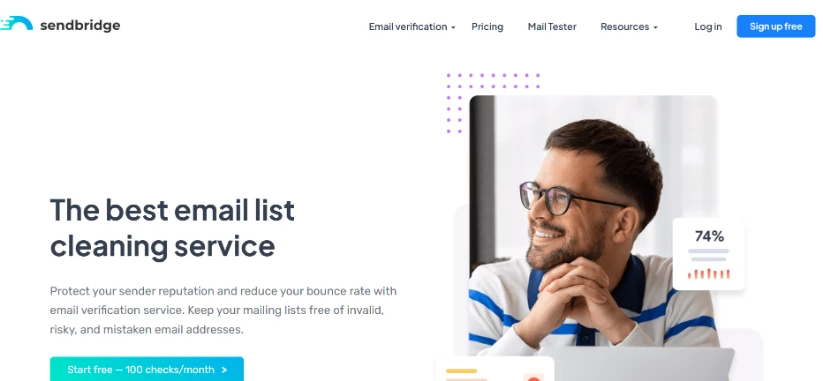
Sendbridge cleans your email list before you send a single message. It flags invalid addresses, spam traps, disposable emails, role accounts, and catch-all servers with 99% accuracy.
Bad lists tank your sender reputation fast. When bounce rates climb above 5%, inbox providers start routing your emails to spam.
Here's what you get with Sendbridge:
- Real-time verification API that plugs into Go, Java, PHP, Python, and .NET
- Bulk list cleaning with results in Excel, CSV, or TXT format
- Free mail tester with SPF, DKIM, and DMARC analysis.
- 100 free checks per month to try the service
- Risk categorization so you know which addresses to skip
How to use it: You buy a 5,000-contact list from a data provider. Before loading it into your sequencer, you upload the CSV to Sendbridge. The tool flags 800 risky and invalid emails. You send only to the 4,200 clean contacts and keep your bounce rate under 2%.
2. Gcore for Protecting Your Outbound Infrastructure
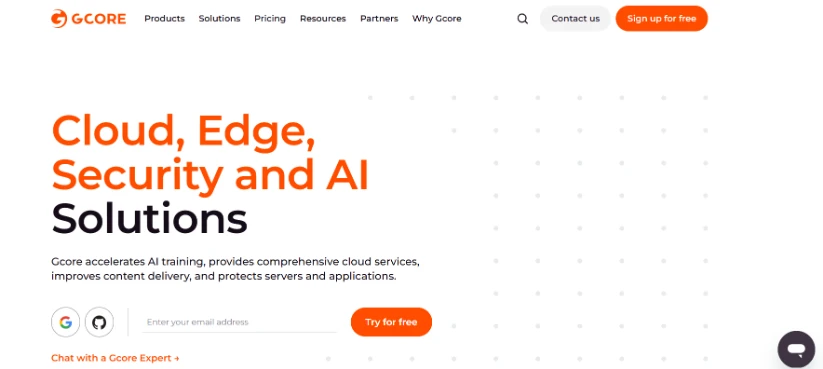
Gcore secures the infrastructure your outbound campaigns depend on, landing pages, tracking domains, webhook endpoints, and form submissions. Its DDoS protection and Web Application Firewall keep everything online when traffic spikes or bad actors try to take you down.
Bot traffic skews your campaign data and inflates click rates with fake engagement. When your reporting is wrong, you make the wrong calls about which sequences and offers actually work.
Here's what you get with Gcore:
- DDoS protection that absorbs attacks up to 1.5 Tbps
- Web Application Firewall to block malicious traffic and scrapers
- Bot management to filter fake clicks and form fills from your reporting
- Free SSL across all protected domains
- Real-time analytics on traffic patterns hitting your campaign assets
How to use it: You run a high-volume campaign and notice your landing page click rate is 22% but conversions are only 0.4%. You route the page through Gcore's WAF and bot management. The next week, click rate drops to 14% but conversions hold steady, meaning real human clicks were always around that 14% number. Your reporting now reflects actual prospect behavior, and you can optimize copy based on real data instead of bot noise.
3. Venngage One Pager Generator
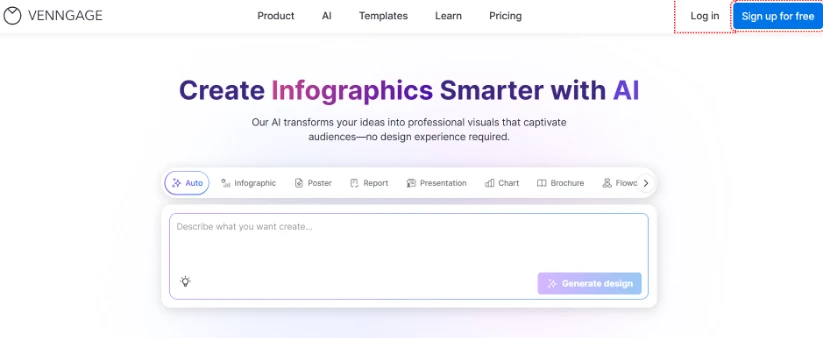
For outbound teams that need something quick to send prospects, Venngage's One Pager Generator is honestly worth trying. Instead of putting together a full deck, you can just enter a prompt and get a clean one-pager that highlights your offer, key benefits, and next steps. It's super useful when you want to keep things simple and not overwhelm someone who's just hearing from you.
Venngage features worth knowing about:
- AI-generated one-pagers from simple prompts
- AI tools like AI Design Generator, AI Writing Assistant, AI Image Generator, AI Icon Generator, and Text Translation
- Templates made for sales pitches and outreach
- Brand Kit to keep everything consistent
- Drag-and-drop editor for quick edits
- Easy export as PDF or shareable link
How to use it: After a cold email, instead of sending a long presentation, you send a short one-pager that clearly explains what you do and why it matters. It's faster to read, easier to understand, and way more likely to get a response.
4. Smartlead for Cold Email Sequencing
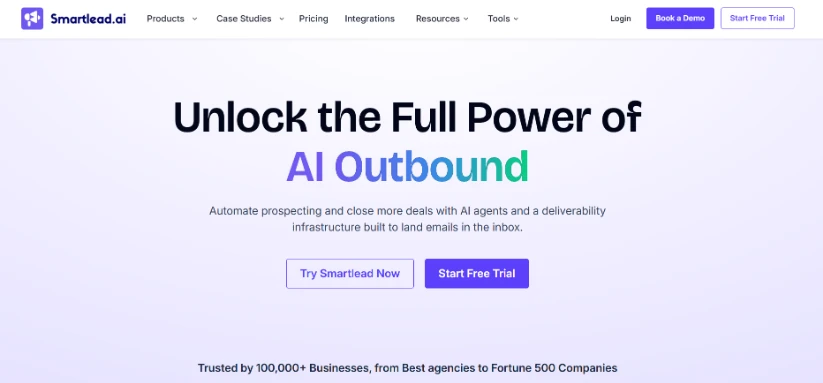
Smartlead handles cold email sending with unlimited inboxes, warmup, and rotation built into every plan. It keeps your domains healthy while you scale volume.
What Smartlead brings to your stack:
- Unlimited email accounts on every plan
- Built-in warmup across all connected inboxes
- Master inbox to manage replies from multiple domains
- Smart sending limits that protect deliverability
- A/B testing on subject lines and copy
How to use it: Your team runs a campaign to 10,000 prospects. You connect 20 inboxes across 5 domains in Smartlead. The tool rotates sends across all inboxes, keeps each one under 40 emails per day, and warms them up in the background. Your domains stay clean and your reply rate holds steady at 4%.
5. Lemlist for Personalized Outreach
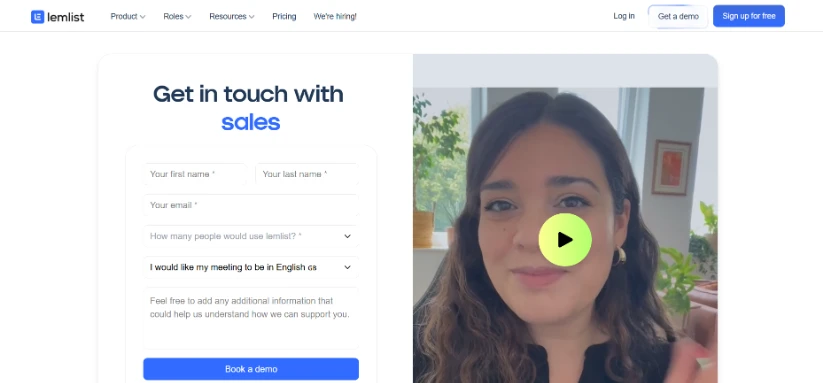
Lemlist is built for personalized cold email at scale. You can auto-generate custom images, landing pages, and video intros that change per prospect.
Personalized emails drive 6x higher transaction rates compared to generic ones, based on Experian's email marketing benchmark. Lemlist makes that personalization possible without manual work per contact.
The tool also includes multichannel sequences, so you can mix email, LinkedIn, and phone touches in one flow.
How to use it: You send a campaign to SaaS founders. Lemlist generates a custom image for each prospect showing their company logo next to yours with the text "A quick idea for {{company}}." Your open rate jumps from 38% to 61% because the image pulls attention in the preview pane.

6. Apollo for Prospecting
Apollo combines a database of 275 million contacts with built-in sequencing and engagement tools. You can find prospects, enrich data, and send emails from one platform.
The platform pulls verified emails, phone numbers, and firmographic data. You filter by job title, company size, tech stack, funding stage, and dozens of other signals.
Apollo works best if your team wants an all-in-one platform without paying for separate tools. Smaller teams can run their entire outbound motion inside it.
How to use it: You target VP of Marketing roles at Series B SaaS companies in North America with 50-200 employees. Apollo pulls 1,800 matching contacts with verified emails. You export the list, verify it through Sendbridge, and push it into your sequencer the same day.
7. Clay for Data Enrichment
Clay pulls from over 100 data sources to enrich your lead lists with accurate contact details, company signals, and buying intent data. It also runs AI research tasks at scale.
Around 40% of B2B data goes stale within a year, based on ZoomInfo's data decay research. Clay fixes that by pulling fresh data on demand.
You can build workflows that pull fresh data, score leads, and write personalized openers without writing code.
How to use it: You want to reach out to companies that recently raised funding. In Clay, you build a workflow that watches Crunchbase for new Series A announcements, enriches each company with CEO and CMO contact info, then writes a personalized first line referencing the raise. Every morning, you get 20 fresh leads ready to send.
8. Gong for Conversation Intelligence
Gong records, transcribes, and analyzes your sales calls to surface what works. The platform shows which talk tracks close deals and which ones lose them.
Managers use Gong to coach reps based on real calls. Instead of shadowing every meeting, you review AI-flagged moments where deals moved forward or stalled.
How to use it: Your top rep closes 45% of discovery calls. Your average rep closes 18%. You pull up both reps' calls in Gong and the data shows your top rep asks 40% more open-ended questions in the first 10 minutes. You roll that pattern into your team's call framework and average close rates climb to 28% within a quarter.
9. Aircall for Outbound Calling
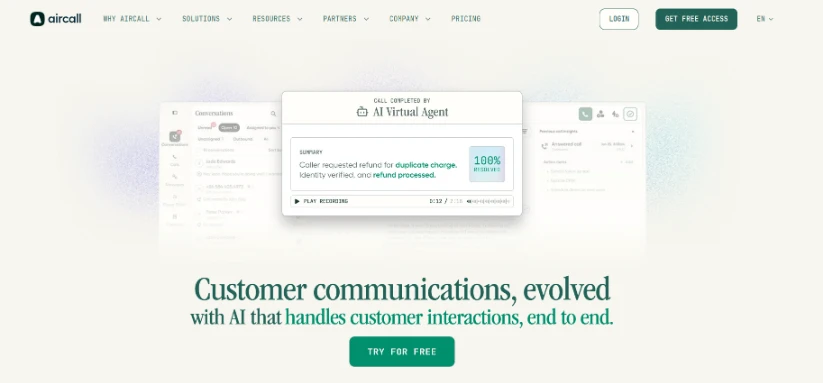
Aircall is a cloud-based phone system built for sales teams. It logs calls automatically to your CRM and records conversations for coaching.
Aircall features worth knowing about:
- Power dialer that auto-calls through lead lists
- Pre-recorded voicemails that drop with one click
- Call whispering so managers can coach live
- Native integrations with Salesforce, HubSpot, and Outreach
- Mobile and desktop apps with the same number
How to use it: A rep on your team makes 80 cold calls a day. With Aircall's power dialer, they work through a 200-contact list in under 3 hours instead of 5. The saved time goes into follow-ups with warm leads who booked demos earlier in the week.
10. Lusha for Contact Data
Lusha gives your reps direct dials and verified emails through a browser extension. Click a LinkedIn profile and Lusha pulls the contact info in seconds.
Features worth knowing about:
- Chrome extension that works on LinkedIn and company sites
- Bulk enrichment for lists of thousands of contacts
- Mobile phone numbers with high accuracy rates
- GDPR and CCPA compliance built in
- CRM sync with Salesforce, HubSpot, and Pipedrive
How to use it: You find a CMO on LinkedIn who fits your ICP perfectly. Sales Navigator gives you the profile but no contact info. You click the Lusha extension and get their direct mobile number plus work email in two seconds. You call, catch them between meetings, and book a demo for the following week.
11. HubSpot Sales Hub for CRM
HubSpot Sales Hub combines a CRM with sequencing, meeting scheduling, and reporting. It's a solid pick if you want one system for sales and marketing.
Companies with a CRM see 29% higher sales productivity, according to Salesforce's CRM adoption research. HubSpot makes that easy to set up without a long implementation.
The free tier covers contact management, deal tracking, and basic email tools. Paid plans add sequences, forecasting, and advanced automation.
How to use it: Your rep closes a deal worth $12,000. In HubSpot, the deal record shows every email, call, and meeting from the first touch to the signed contract. Six months later, the customer churns. You review the timeline in HubSpot and spot a two-week gap between onboarding and the first check-in call. You build that gap out of your next onboarding playbook.
12. Calendly for Meeting Booking
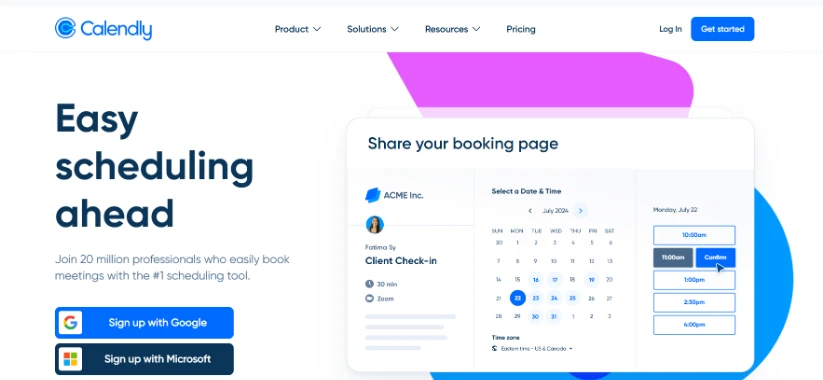
Calendly removes the back-and-forth of scheduling meetings. You share a link and prospects pick a time that works for them.
Ways to get more out of Calendly:
- Embed your link directly in cold email signatures
- Set buffer times between meetings to avoid burnout
- Use round-robin scheduling for team meetings
- Add qualifying questions to the booking form
- Connect it to your sequencer for automatic follow-up
How to use it: A prospect replies to your cold email at 11 PM on a Friday. Instead of waiting until Monday to find a time, they click your Calendly link and book Tuesday at 2 PM. You wake up to a booked meeting and a filled-out qualifying form that tells you their team size, current tool, and timeline.
13. Vidyard for Video Prospecting
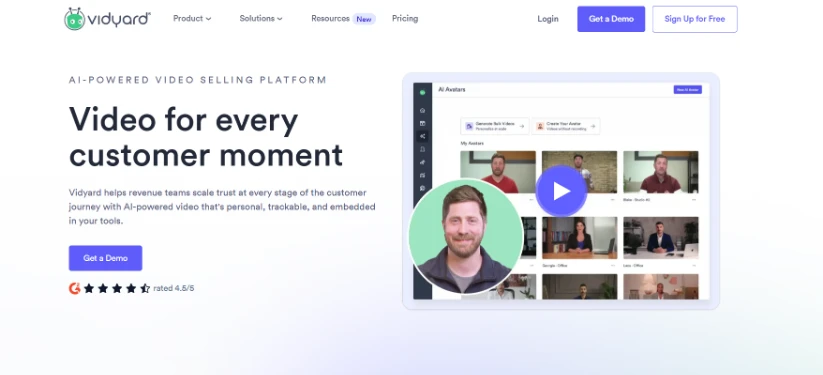
Vidyard lets your reps record personalized videos and send them in cold emails or LinkedIn messages. Video stands out in crowded inboxes.
Personalized videos get 16x higher click-through rates compared to text-only emails, based on Vidyard's benchmark data. The tool tracks who watched, for how long, and where they dropped off.
How to use it: A prospect goes quiet after two emails. You record a 45-second Vidyard video showing their website open in the background, point out a specific gap you noticed, and share one idea to fix it. Vidyard pings you when they watch. They reply within an hour and book a call.
14. DML Training - Practical Tools to Support Your Outbound Workflow
DML Training provides a set of lightweight tools that help outbound teams handle everyday marketing and content tasks more efficiently. Instead of relying on multiple platforms, teams can quickly use utilities like a word counter, image converter, and keyword density checker to streamline execution. These tools are especially useful when creating email copy, optimizing landing pages, or preparing content for campaigns.
Best for: Teams that need quick, no-cost solutions for content optimization and formatting tasks without adding complexity to their stack.
- Use a word counter to optimize email length and improve readability
- Convert images into web-friendly formats for faster-loading landing pages
- Check keyword density to align outreach content with SEO goals
- Handle quick formatting and optimization tasks without developer support
DML Training acts as a utility layer that removes friction from daily outbound workflows, helping teams execute faster and more consistently.
Tool Comparison at a Glance
Here's how all 13 tools stack up so you can pick what fits your team:
| # | Tool | Primary Job | Best For | Starting Price |
|---|---|---|---|---|
| 1 | Sendbridge | Email verification | All outbound teams | Free (100/month) |
| 2 | Gcore | Infrastructure security | High-volume campaigns | Free tier available |
| 3 | Venngage | AI Infographic Maker | Marketing teams | Free ($10/month) |
| 4 | Smartlead | Cold email sequencing | High-volume senders | $39/month |
| 5 | Lemlist | Personalized email | Personalization-heavy teams | $59/user/month |
| 6 | Apollo.io | Prospecting database | SMB teams | $49/user/month |
| 7 | Clay | Data enrichment | Growth teams | $149/month |
| 8 | Gong | Call intelligence | Mid-market and up | Custom pricing |
| 9 | Aircall | Cloud calling | Phone-heavy teams | $30/user/month |
| 10 | Lusha | Contact data | Teams needing phone numbers | $39/user/month |
| 11 | HubSpot | CRM | All-in-one buyers | Free tier available |
| 12 | Calendly | Meeting booking | Every team | Free tier available |
| 13 | Vidyard | Video prospecting | Creative SDRs | Free tier available |
| 14 | DML Training | Digital Marketing | SEO, content, PPC, or social | Custom (quote-based) |
Build Your Stack Around the Work, Not the Hype
Your outbound stack comes down to matching tools to jobs. Email verification protects deliverability. Sequencing handles volume. Personalization drives replies. Prospecting and enrichment tools find the right people and give you the data to reach them.
Start simple. Pick a CRM, an email verification tool like Sendbridge, a sequencer, and a prospecting database. Add calling, video, and conversation intelligence as your team grows. The best stacks stay lean, protect deliverability, and give your reps more time to sell. Tools should serve your motion, not define it.