AI Video Generation in 2026: How Creators and Educators Are Building Video Without a Camera
By SendBridge Team · Published Sep 22, 2026 · 4 min read · Marketing
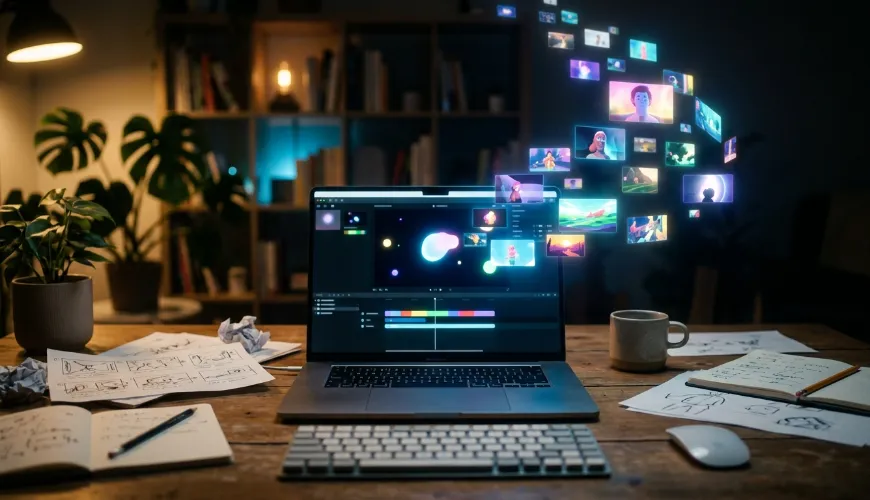
There is a familiar problem in content creation right now: the idea is ready, the script is written, but producing the actual video still feels like the bottleneck. Filming takes equipment and time. Editing takes skill most people never had reason to learn. In 2026, that gap is closing fast, and it is closing for two very different groups at once: creators making polished content for feeds, and parents and teachers trying to turn a bedtime story into something a child will actually sit through.
Why Video Generation Moved Past the Demo Phase
For a couple of years, AI video tools were impressive in a narrow way. They could produce a short, dreamlike clip, but rarely anything a creator would actually publish without heavy cleanup. That has changed. Current-generation video models handle longer sequences, more consistent characters, and more controllable camera movement than anything available even a year ago.
MiniMax H3 Max is one of the models pushing that shift forward. It handles image-to-video and text-to-video generation with noticeably better consistency across longer clips, which matters for anyone trying to build a coherent scene rather than a single striking frame. Creators working through Pollo AI can access the MiniMax H3 Max model directly, generating footage from a written prompt or an existing image without switching between separate platforms for each stage of production.

What This Actually Unlocks for Independent Creators
The practical shift here is less about any single flashy demo and more about volume. A creator who used to spend a full day filming and editing one video can now generate several variations of a concept in an afternoon, testing different pacing, framing, or visual style before committing to a final cut. Product reviewers, travel vloggers, and short-form storytellers are all finding uses for this that have nothing to do with replacing filmed footage entirely and everything to do with filling the gaps: a transition shot, a stylized intro, a concept visualization that would have needed a location scout a year ago.
A Different Use Case: Turning Stories Into Video for Kids
Not every application of this technology is about social media output. A quieter but genuinely useful use case has emerged around children's content specifically. Parents, teachers, and independent children's book authors often have a story but no practical way to turn it into something visual without hiring an animator or learning motion design from scratch.
Tools built specifically for this, like Pollo AI's Kids Story Video Generator, take a written story or a simple prompt and produce an age-appropriate finished video. This matters because the barrier here was never the idea. A teacher turning a lesson into something visual, or a parent adapting a bedtime story for a sick day at home, rarely has animation skills sitting around unused. Removing the production step means these stories actually get made instead of staying as an idea that never quite happens.
Where the Line Between Novelty and Utility Actually Sits
It's worth being honest about where these tools are genuinely useful and where they are not. A fully AI-generated feature-length project is still not where this technology sits in 2026. What is genuinely solved is the shorter-form gap: concept videos, social clips, story visualizations, and supporting footage that used to require either a production budget or getting skipped entirely.
For creators, that means testing more ideas before committing resources to one. For educators and parents, it means a story doesn't have to stay text-only just because nobody in the house knows how to animate. Both are smaller, more specific wins than "AI makes movies now," but they're the kind of wins that actually change a weekly workflow rather than just making for an impressive demo reel.
Getting Started
If you're testing this for the first time, start narrow. Generate one concept clip from an existing photo or a short prompt using MiniMax H3 Max, and separately, if children's content is relevant to your work, try turning one story into video with a dedicated tool built for that purpose. The difference between a generic video generator and one built for a specific use case shows up quickly once you compare the output side by side.